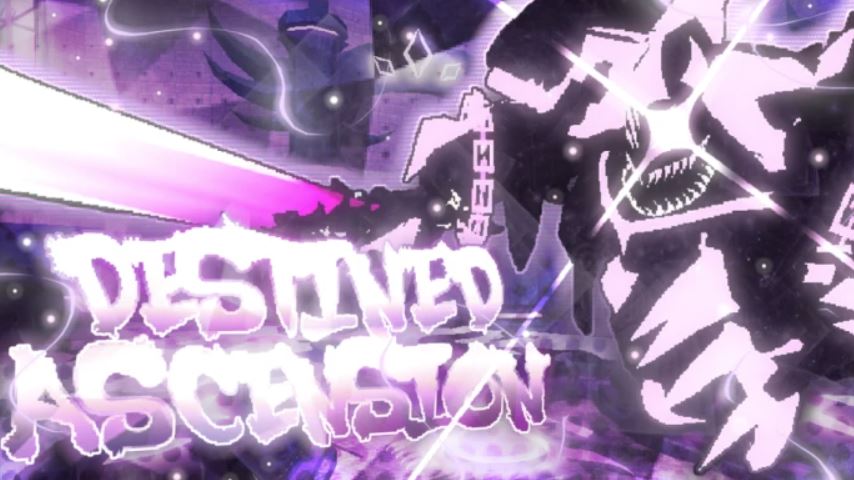
Destined Ascension is a popular Roblox RPG that throws you into a world of mines filled with monsters, challenging bosses, and valuable crafting materials. Your goal is to explore these mines, defeat enemies to gather resources, and use those materials to craft powerful new weapons and armor, progressively strengthening your character.
A crucial first step to mastering this game is understanding its control scheme. This guide provides a complete overview of the controls for both PC and mobile, along with essential tips to start your journey.
PC Controls Layout
If you’re playing on a computer, the default control scheme is straightforward and common for Roblox RPGs. Here is the full list of keybinds and their functions:
Movement: Use the W, A, S, D keys to move your character forward, left, backward, and right.
Sprint: Hold the Left Shift key to run faster.
Jump: Press the Spacebar to jump.
Attack (Melee): Left-click with your mouse to perform a basic attack.
Aim (Ranged): Right-click with your mouse to aim down the sights of a ranged weapon.
Interact/Pick Up: Press the E key to talk to NPCs, open chests, or pick up items from the ground.
Inventory: Press the I key to open your inventory and manage your equipment and items.
Mobile Controls Layout
For players on smartphones or tablets, the controls are adapted to a touch-screen interface:
Movement: A virtual joystick on the left side of the screen controls your character’s movement.
Sprint: Push the left-side joystick fully in a direction to make your character sprint.
Actions: A set of virtual buttons on the right side of the screen handles all other actions. These typically include:
A Jump button.
An Attack button.
An Aim button for ranged weapons.
An Interact button (often labeled “E”).
Inventory: A dedicated menu or backpack button is usually located on the screen’s edge to open your inventory.
Core Gameplay Functions Explained
Understanding what the controls do is just as important as knowing the buttons.
Combat: Use the Attack button to defeat monsters and bosses. Defeating them grants you Gold and specific crafting materials.
Farming: “Farming” refers to repeatedly defeating monsters in an area to collect their drops. This is the primary way to gather resources for better gear.
Crafting & Shopping: Use the Interact button (E) at shops or crafting stations. You can spend your Gold to buy new equipment or use collected materials to craft it.
Exploration: Use Movement, Jump, and Sprint to navigate the various mines and worlds. Teleporters, which you can also interact with, allow for quick travel between different areas.
Essential Starter Tips for Progression
Starting in a new RPG can be overwhelming. Here are some fundamental tips to ensure a smooth early-game experience.
Gear is Key: Your power comes from your equipment. Continuously farm monsters to get materials and Gold, then immediately use them to craft or buy the best weapon and armor available for your level.
Start Small: If you’re struggling in a mine, go back to a previous, easier area. Farm there until you have upgraded your gear enough to handle the tougher monsters.
Use the Teleporters: Don’t waste time running back and forth manually. Unlock and use the teleporters to quickly move between your favorite farming spots and the central hub.
Prepare for Bosses: Boss fights are a significant step up in difficulty. Ensure you are well-equipped with high-level gear and have a good understanding of your attack patterns before challenging them.
FAQ
Q: How do I get stronger in Destined Ascension?
A: Your strength is directly tied to your gear. Defeat monsters to farm Gold and crafting materials, then use them to craft or purchase better weapons and armor from the shop.
Q: I’m stuck and keep dying. What should I do?
A: Go back to an earlier, easier mine and farm weaker monsters. Use the resources you gather to upgrade your equipment. Better gear will make you significantly more powerful and durable.
Q: How do I open my inventory?
A: On PC, press the I key. On Mobile, tap the backpack or menu icon on your screen.
Q: What is the main goal of the game?
A: The core loop is to explore mines, defeat monsters and bosses to gather resources, and use those resources to craft progressively stronger gear to take on even greater challenges.
Conclusion
Mastering the controls of Destined Ascension is the first step toward becoming a powerful adventurer. By familiarizing yourself with the PC or mobile layouts and applying the basic tips of farming, crafting, and strategic progression, you will be well-equipped to tackle the game’s challenges. Remember to consistently upgrade your gear, use teleporters to save time, and don’t hesitate to grind in easier areas to prepare for the tougher battles ahead.
Related posts:
- How to Get Circus Tickets in Rebirth Champions Ultimate
- All Weather Types in Grow a Garden Roblox – Effects, Mutations & Farming Tips
- Dig It Buried Truths Update – All Echoes, Secret Shovel, and Weather Mechanics
- How to Trigger Tornado Event in Grow a Garden
- King Legacy Fruit Tier List Update 8 + Best Fruits Explained
- How to Get to Nen City in Arise Crossover