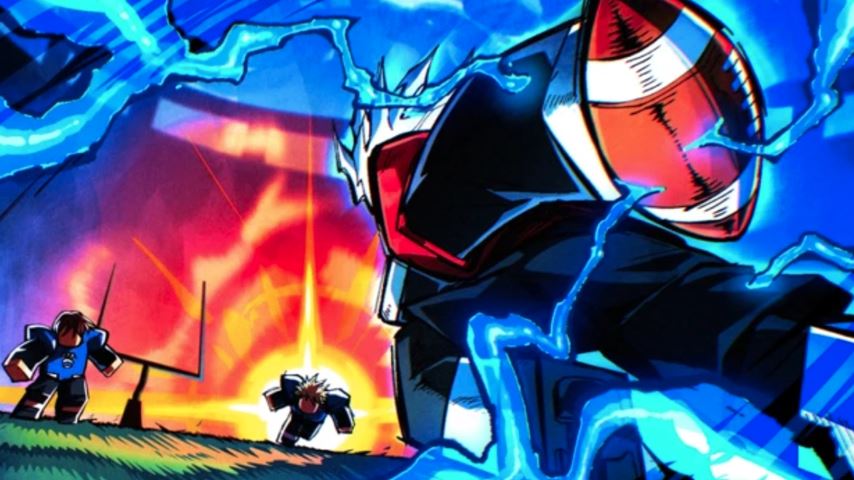
Endzone: Strike is a fast-paced sports game on Roblox inspired by American football. Players can take on different roles on the field, pass the ball to teammates, perform tackles, and push toward the end zone to score points. Because matches are action-heavy and require quick reactions, understanding the control scheme is essential. This guide explains Endzone: Strike controls for both PC and mobile players.
What Is Endzone: Strike?
Endzone: Strike is designed around quick movement, teamwork, and basic football mechanics. Each match challenges players to react rapidly, coordinate with teammates, and execute actions such as running, jumping, passing, aiming, and defending.
Mastering the controls helps players:
React faster during intense situations
Execute team strategies smoothly
Focus on coordination instead of searching for buttons
Why Controls Matter in Endzone: Strike
Because Endzone: Strike features constant action, control mastery plays a major role in overall performance. Players who understand the mechanics can move efficiently, respond to opponents quickly, and perform their assigned roles without hesitation.
Good control knowledge supports:
Faster decision-making
Smoother teamwork
More effective offense and defense
Endzone: Strike Controls on PC
PC players use keyboard and mouse inputs to control their character during matches. The main controls include:
Movement: W, A, S, D
Jump: Spacebar
Pass or Throw Ball: Left mouse click
Aim or Tackle: Right mouse click (depends on player position)
Sprint: Shift
Slide or Dive: C
Reset Character (if stuck): R
Open Roblox Menu: Escape
These controls allow players to move quickly, react to plays, and stay competitive throughout the match.
Endzone: Strike Controls on Mobile Devices
On mobile devices, controls are adapted for touch input and on-screen buttons. Common mobile controls include:
Movement: Virtual joystick on the left side of the screen
Jump: Dedicated jump button
Pass or Throw Ball: Pass or throw button
Tackle: Tackle button
Sprint: Sprint button
Slide or Dive: Dive button
Menu and Reset: Menu button
The mobile layout is designed to support smooth movement and quick actions during active gameplay.
Playing Effectively With the Right Controls
By learning the full control scheme on your chosen platform, you can play more confidently and efficiently. Understanding how each action works helps you contribute better to your team, maintain positioning, and increase your chances of winning matches.
FAQ About Endzone: Strike Controls
Are the controls different between PC and mobile?
Yes. PC uses keyboard and mouse inputs, while mobile relies on touch controls and on-screen buttons.
Why is sprinting important in Endzone: Strike?
Sprinting helps players move faster during plays, allowing them to reach targets, defend, or escape opponents more effectively.
Can I reset my character if it gets stuck?
Yes. On PC, the reset function is available through a dedicated key, while mobile players can access it through the menu.
Do controls affect teamwork?
Yes. Mastering controls allows players to react quickly and coordinate better with teammates during matches.
Conclusion
Endzone: Strike delivers an energetic American football-inspired experience on Roblox, where speed, coordination, and control mastery are crucial. Whether playing on PC or mobile, understanding Endzone: Strike controls helps players react faster, execute strategies smoothly, and perform their roles effectively on the field. With proper control knowledge, each match becomes more engaging and competitive.